
Permit to Work at Your Site, Part 2: The Self-Service Model

Not every job needs a second set of eyes before it can start. Part 2 of two: how the self-service model runs, where the safety team's time goes instead, and what changed at Meyer Turku.

Pirkka Paronen

Pirkka Paronen

5 min read
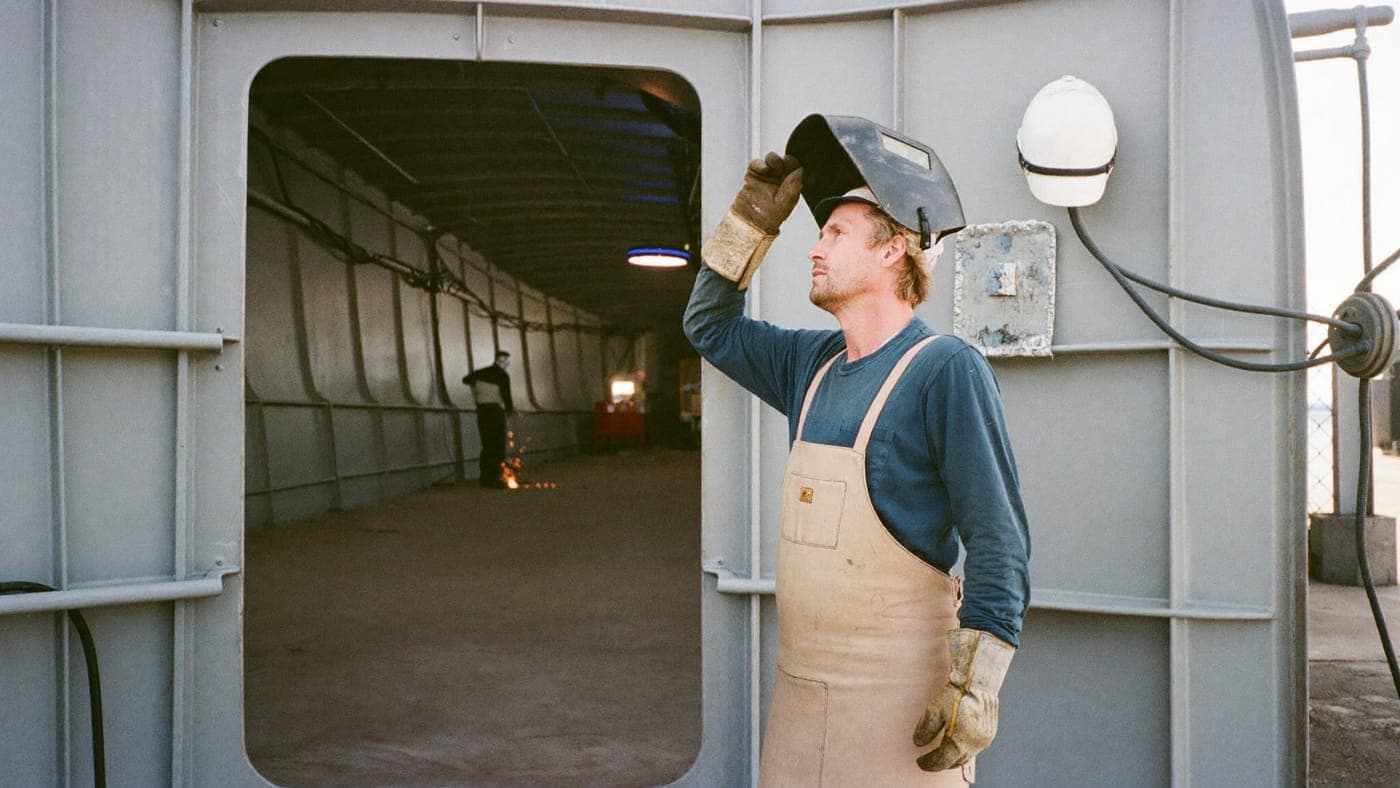
A worker notifying a hot work permit on a phone on a shipyard deck.

Key Takeaways

  • Workers notify the work; the system enforces the guardrails
  • The safety team's time goes to risk-based inspection, not paperwork
  • Meyer Turku: hundreds of permits a morning became a few dozen approvals a day

Not every job needs a second set of eyes before work can start. On many sites, waiting on a central reviewer for each one slows things down without adding real safety value. That is where the self-service model comes in. This is Part 2 of a two-part guide; Part 1 covers the permit request model.

The self-service model: what it is

For lower-risk, high-frequency work, the self-service model runs like this:

  1. Notification. A worker or a contractor notifies the system what work they are doing and where, rather than waiting for a permit to be written for them.
  2. Guardrails. The system checks competency, location and risk level automatically, and flags anything that needs closer attention.
  3. Risk-based inspection. Instead of reviewing every notification, the safety team focuses its time on the highest-risk locations and on spot checks.
  4. Execution. Work proceeds under the self-issued permit, visible and traceable on site, exactly as in the request model.
  5. Close-out. The permit is closed by the worker, with the full record logged.

The strength of this model is speed, and an efficient use of everyone's time, without losing control. The record is the same: who, what, where, when, under which conditions. What changes is who spends time on which permits.

Which work qualifies

Self-service still means a permit. The person doing the work issues it, inside limits the site has set. It fits work that is:

  • Repeatable. The same task, the same kind of location, the same controls, day after day.
  • Lower risk on its own. The hazard is known and the standard controls cover it.
  • High frequency. Hundreds of these a day would drown any reviewer, and reviewing them adds little.

The higher-risk work keeps the request model. Most sites end up with both, decided per work type: confined-space entry and electrical isolation go through an authoriser, routine hot work in a prepared area is notified.

In Gate Apps: the same engine, different rules

In Gate PTW self-service is not a separate product. It is the same permitting engine with different rules applied. You set the competency requirements, the risk thresholds and the escalation triggers, and the system enforces them consistently, every time:

  • A notification from somebody without the required card is stopped before it becomes a permit.
  • A notification in a location or a work type the site has marked as high risk is flagged for an authoriser to look at before the work starts.
  • Every active permit, self-issued or not, is on the same live map, so the safety team sees where to go.

What it changed at Meyer Turku

At the Meyer Turku shipyard the move to self-service changed the entire operating model. Firefighters once wrote hundreds of permits every morning before work could begin. Now the fire department needs to approve only a few dozen a day, even with 500 to 600 active permits on any given day. Most work is simply notified into the system, and the fire department's attention goes to the riskiest locations.

"The worker network has been happy with the change: no more waiting for permits, and we save a great deal of time," says Deputy Fire Chief Ville Rahkala.

The full story is in the Meyer Turku customer story. Two details from it matter for anyone considering the model. First, the shipyard did not loosen control: it moved the fire department's time from writing permits to inspecting the places that carried the risk. Second, the workers adopted it because it was simpler for them, and adoption is what makes any permit system work.

How to introduce it

  1. List your work types and mark the ones that are repeatable, lower risk and frequent.
  2. Write the guardrails for those: which competency, which locations, which conditions, and what triggers an escalation to an authoriser.
  3. Decide where the inspections go. Risk-based inspection needs a plan of its own: which locations, how often, who.
  4. Start with one work type on one area, measure the permits per day and the waiting time, then widen.

The planning guide covers the rollout in more detail, and the hot work guide is the usual first candidate for self-service on sites like shipyards and large construction projects.